
The Pinterest tool that doesn't tax your creativity
PinQuill runs on your machine with your own API keys — no credit caps from us, no cloud lock-in. Scan your sitemap free below, then download the desktop app for tracking, generation, and weekly decay alerts.
- No credit card
- Same Pinterest account
- BYOK when you scale
One studio preview
Blog URL in
yourblog.com/best-pinterest-tips
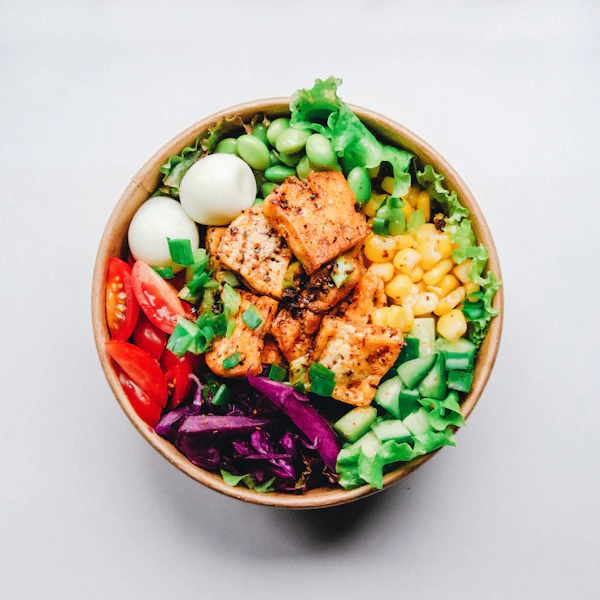
10 Meal Prep Ideas for Busy Weeknights
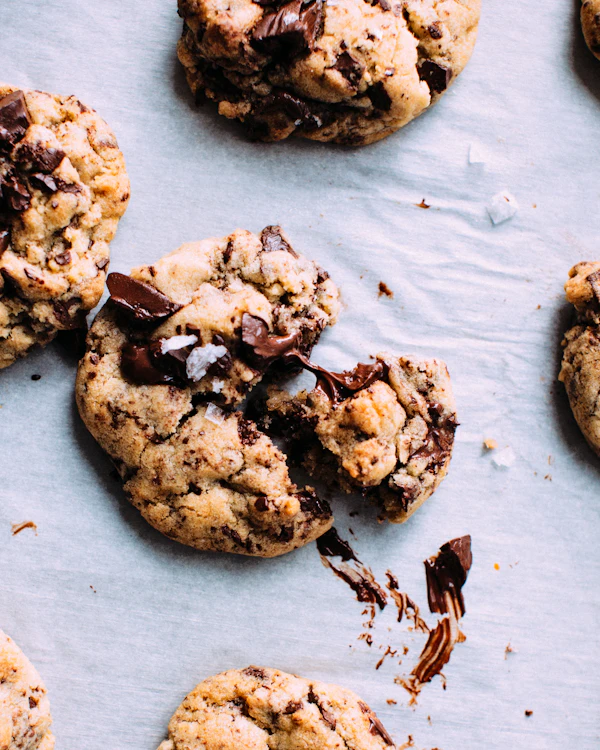
Soft Chocolate Chip Cookies Recipe
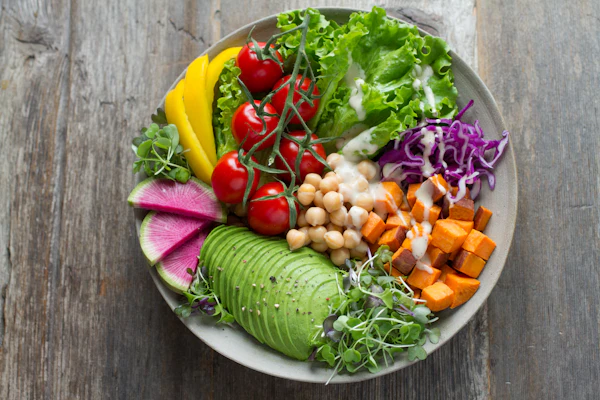
Healthy Lunch Bowls You'll Love
Blog URL → pins → scheduled — one tab
The full Pinterest job bloggers used to split across three apps.
Paste your post
Blog or product URL, live trend, or sitemap bulk — your content is the source.
Generate pins + SEO
Smart page-photo backgrounds or AI fallback — multiple on-brand designs with titles and descriptions.
Stage & schedule locally
Draft pins in the staging tray, set reminders, and post to Pinterest manually until OAuth ships — all stored on your machine.
Category leader
Why PinQuill beats a DIY Canva + AI + scheduler stack
- How — Paste a blog URL, pick a live trend, or scan your sitemap — the desktop app does the rest locally.
- What — 15-pin BYOK trial, SEO copy, local library, brand presets, staging tray, and decay tracking.
- Why PinQuill — The only Pinterest engine that runs on your machine with your keys — honest trial limits, no cloud lock-in, no markup on AI inference.
Everything Pinterest in one studio
Create, trends, brand, bulk, library, and schedule — not six browser tabs.
Your blog is the pin factory
Paste a blog or Shopify/Etsy product URL. PinQuill picks the hero image, writes SEO copy, and applies your brand template.
Pins from what's trending
Live trend board, niche folders, and one-click send to Create — stop guessing keywords.
Schedule in one studio
Connect Pinterest, queue pins on a calendar, and spread a month of content in one sitting.
Brand presets that stick
Save fonts, colors, and layout once — every pin from your site looks like your brand.
Sitemap bulk import
Scan your blog sitemap and queue dozens of URLs — fill a month without manual paste.
Library & analytics
Every pin saved in one place. Track what's working on Pinterest without spreadsheets.
Replace three bills with one workflow
Most bloggers pay for design, copy, and scheduling separately. PinQuill runs the full chain.
Typical stack
- ×Canva or similar — design + manual export
- ×ChatGPT or similar — titles and descriptions
- ×Tailwind, Later, or similar — scheduling only
~$50+/month · three logins · export loops
PinQuill
- Pins from your URLs — no Canva loop
- 15-pin BYOK trial (50 with card)
- Local staging tray + decay tracking
Free trial · BYOK · no inference markup
Live in minutes, not weeks
- 1Download the desktop app — 15-pin BYOK trial, no credit card required.
- 2Paste a blog URL or scan your sitemap — get pin ideas with SEO copy in minutes.
- 3Generate pins locally, stage drafts, and set schedule reminders.
- 4Track pin decay, get weekly digests, and scale with bulk + trends when you're ready.
Built for how bloggers actually work
Blog to Pinterest
Turn every post URL into multiple pins with SEO — your blog is the factory.
→Pinterest without Canva
Skip template hunting. Pins from content and trends you already have.
→Schedule a month of pins
One calendar, one Pinterest connect — spread 30 days in a single session.
→Trend-based pins
Research live trends in your niche and send ideas straight to Create.
→Simple, honest pricing
Free trial · 15 BYOK pins
15-pin BYOK trial — add a card on pricing for 50 pins.
Pro & Lifetime coming soon — you're paying for software, not our AI bill.
View plans →Try a free sitemap scan
See which blog posts need fresh pins — no account required.

Start free. Grow on Pinterest.
Get the PinQuill desktop app
Built local. Priced honest. Track pin decay, generate pins on a 15-pin BYOK trial (50 with card), schedule drafts, and get weekly email alerts — all stored locally.
v0.1.9 · 12.9 MB · Windows 10/11 (64-bit)
Stop paying for someone else's AI bill
Download PinQuill, add your API keys, and generate your first 15 pins on the free trial.